
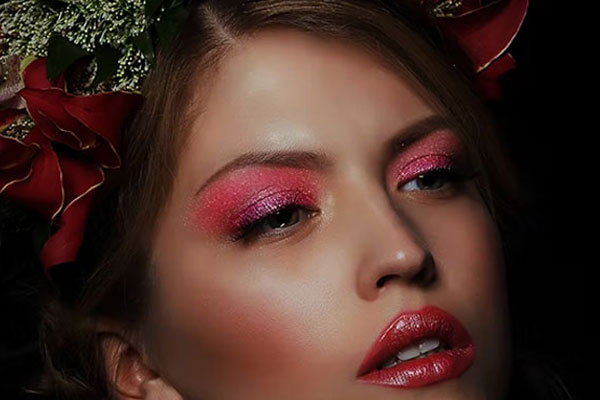
Make your portraits look vibrant and dramatic yet natural by editing them with our Eye Photoshop Actions. Correct the eyes of your pictures and in doing so make them look even more appealing and eye-catching. With the help of these Photoshop actions, you would be able to retouch your pictures in a quick, easy, and at the same time a professional manner. Water Photoshop Actions
From helping you remove the redness in the eyes of your portraits to helping you add shine to them, these Eye Photoshop Actions have got an array of amazing effects to offer to you. Though these Photoshop actions come in a pre-designed format, they are still customizable in nature, and hence, you could make any number of modifications to them before bringing our Eye Photoshop Action Free Download into play. So if you are not happy with the outcome of your portrait photoshoot then these Eye Photoshop Actions would prove to be nothing less than a boon to you. Not satisfied with the way that the eyes of your portrait photographs look? Well, worry no more as you could easily make the eyes of your pictures look the way you want them to with the help of our Photoshop Eye Actions. Electricity Photoshop Actions
Eye Photoshop Actions
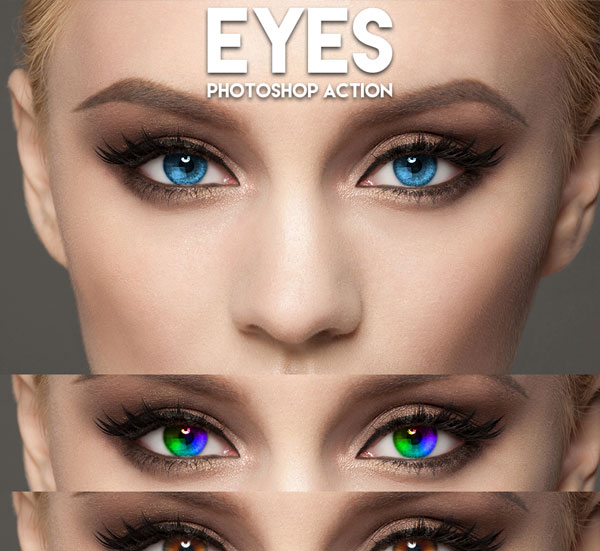
Beauty Eyelashes Makeup PS Actions
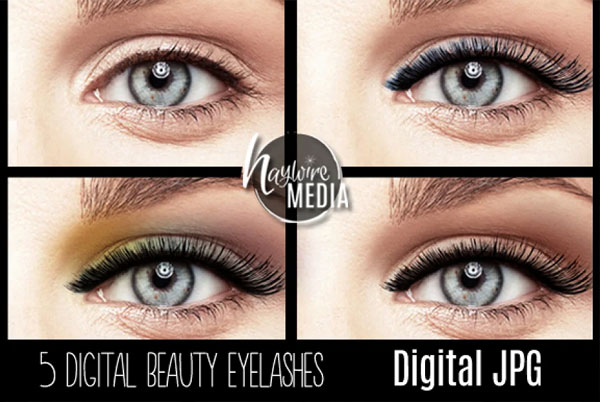
Halloween Eyes Photoshop Actions
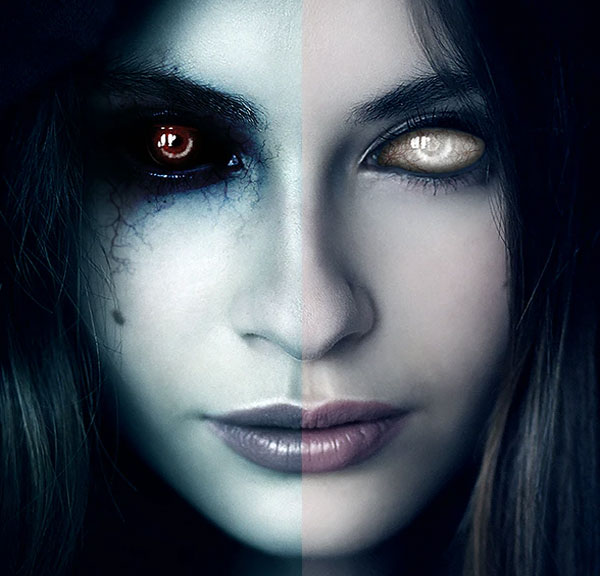
Eye Glare Photoshop Actions
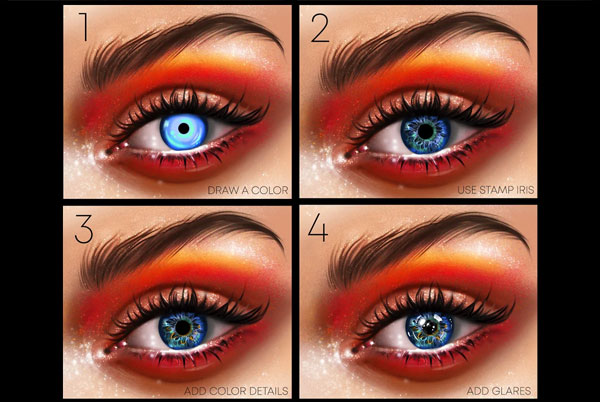
Best Eyes Photoshop Action
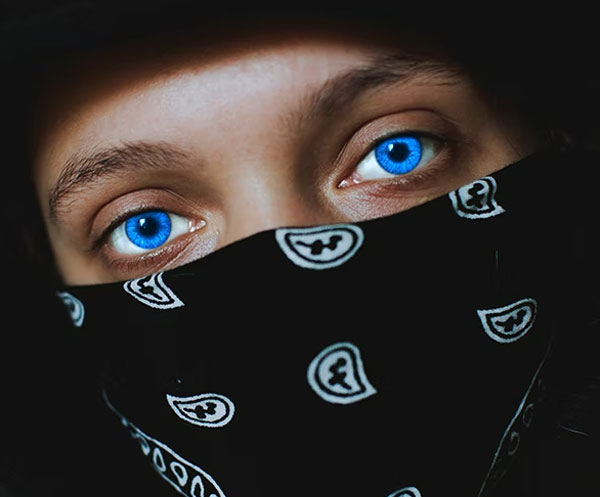
Skin Retouch and Eyes PS Actions
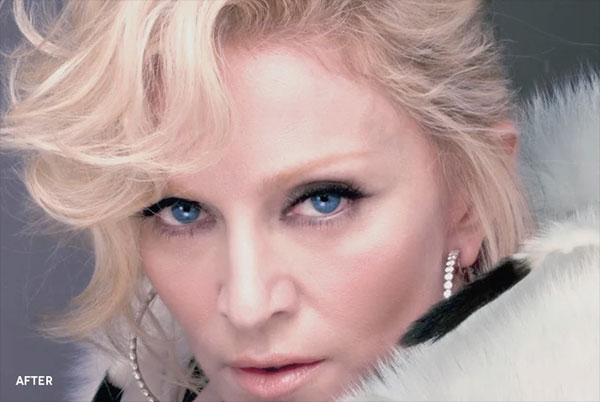
Eye Makeup Photoshop Action
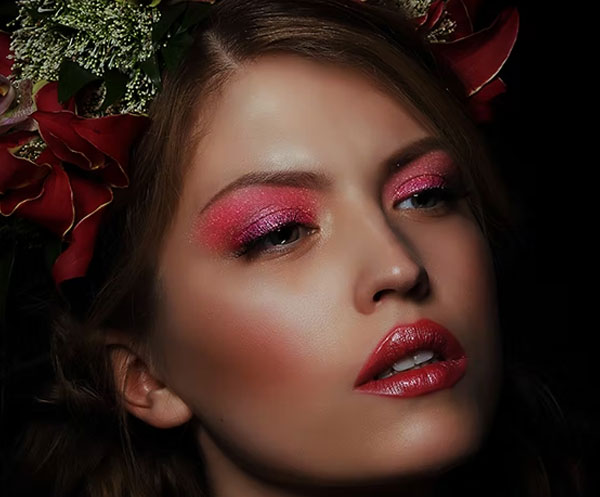
Eye Catching Photoshop Actions

Pro Eyes Enhancement & Color Change - PS Action
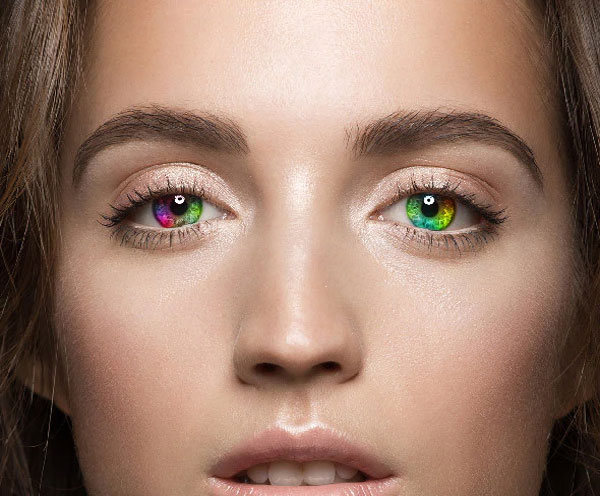
Eye Color Change Photoshop Action
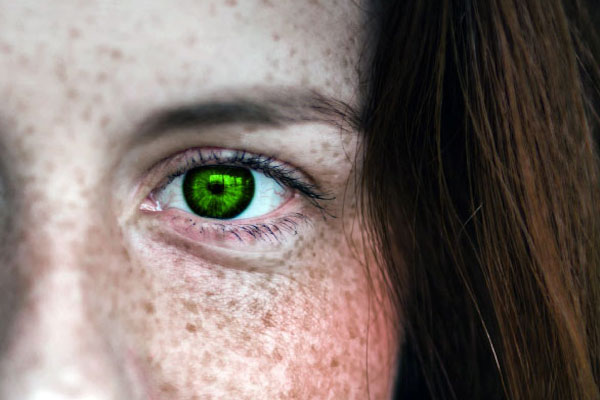
Bring out the best in your pictures in an effortless way by making use of our amazingly crafted Eye Photoshop Actions. From Eye Color Actions Photoshop to Eye Whitening Action in Photoshop to Red Eye Photoshop Actions to Eye Pop Photoshop Action, you would find an extensive range of Photoshop actions across